2026–2027 Home Renovation Planner: Your All-in-One KDP & Canva Interior Template for Stress-Free Project Management
Planning a home renovation is equal parts exciting and overwhelming. Whether you're updating a kitchen, converting a basement, or embarking on a full-scale remodel, staying organized across timelines, budgets, contractors, design choices, and permits can quickly become unmanageable—especially without the right tools. That’s where the 2026–2027 Home Renovation Planner steps in: a purpose-built, print-ready interior template designed specifically for Kindle Direct Publishing (KDP) creators and DIY homeowners alike.
What Exactly Is This Planner—and Why Does It Matter Now?
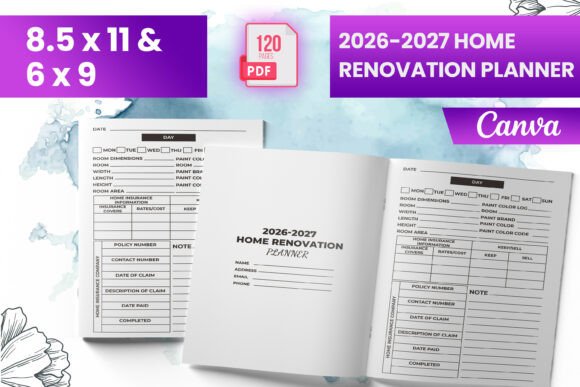
The 2026–2027 Home Renovation Planner isn’t just another printable PDF—it’s a meticulously structured, professionally formatted interior file optimized for both Amazon KDP publishing and hands-on project execution. Created with real-world renovation workflows in mind, it bridges the gap between creative vision and practical execution.
Unlike generic planners that offer vague prompts or outdated layouts, this edition anticipates the unique challenges of renovating in 2026 and 2027—from rising material costs and extended lead times to evolving building codes and sustainability requirements. It also reflects current design trends like biophilic interiors, smart-home integration planning, and accessible aging-in-place features—so your notes and checklists stay contextually relevant.
Inside the Planner: What You’ll Actually Get
This isn’t a “just-add-water” template. Every page serves a functional purpose—and every file is tested for real-world use. Here's exactly what’s included:
- Ready-to-upload PDF file—fully formatted for Amazon KDP with proper margins, bleed settings, and CMYK-safe colors.
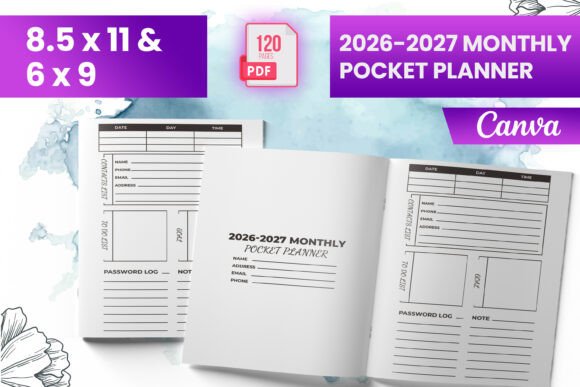
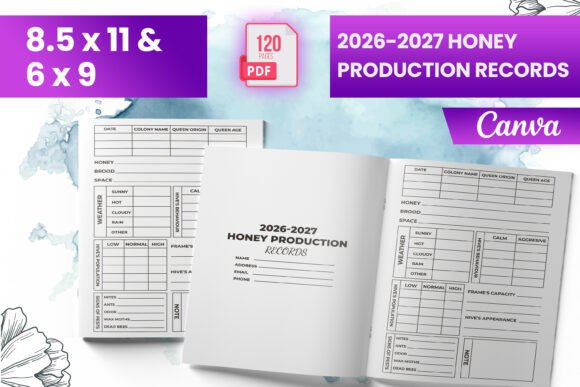
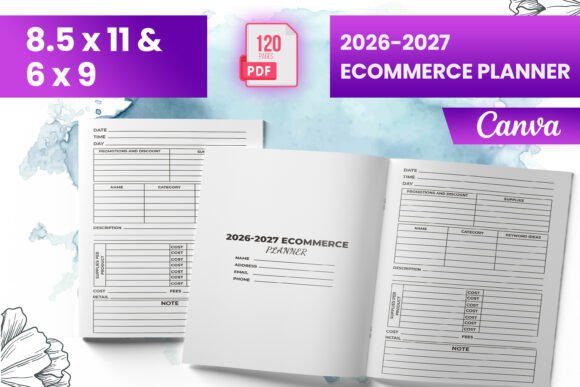
- Multiple trim sizes: 6″ × 9″, 8.5″ × 11″, and A4-compatible layouts—ideal for self-publishers targeting different reader preferences.
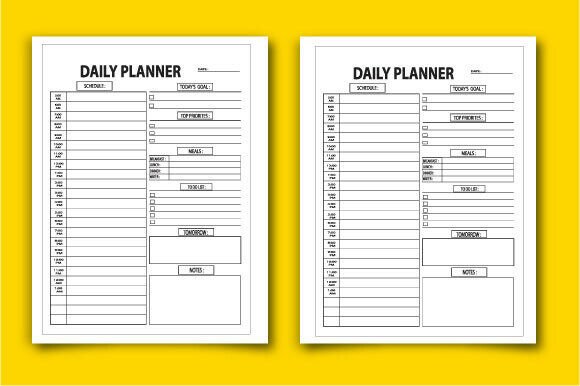
- 120 total pages, thoughtfully divided into intuitive sections: goal-setting, budget trackers, contractor vetting sheets, mood board templates, permit checklists, timeline builders, finish selection grids, and post-renovation reflection prompts.
- Dedicated intro page with clear instructions, usage tips, and a quick-start guide—perfect for first-time renovators or new KDP sellers.
- Amazon KDP-tested files: Every interior layout has been uploaded, previewed, and validated on KDP to prevent common formatting errors like cut-off text, misaligned bleeds, or blurry images.
- PNG and JPG source files—giving designers and KDP publishers full flexibility to customize cover art, marketing assets, or supplementary digital products.
- Bleed-ready interior: All pages include 0.125″ bleed on all sides, ensuring professional edge-to-edge printing with no unintended white borders—a critical detail many free templates overlook.
Why Bleed Matters (And Why Most Free Planners Get It Wrong)
You might wonder: What’s the big deal about “bleed”? In print publishing, bleed refers to background color or imagery extending beyond the final trim edge. Without it, even minor cutting variations during printing can leave unsightly white slivers around your pages—especially problematic in design-heavy planners where visual continuity matters.
This planner includes true bleed formatting, meaning every background element extends precisely to the trim line. That’s why it’s labeled “Bleed-Ready to Upload”—no extra design software or technical tweaks needed. For KDP sellers, this saves hours of troubleshooting and avoids costly re-uploads or rejected manuscripts.
Who Benefits Most From This Planner?
While anyone tackling a renovation can use it, three groups see exceptional value:
- DIY Homeowners: No need to juggle spreadsheets, sticky notes, and fragmented apps. Everything—from paint swatch comparisons to subcontractor contact logs—is centralized in one logical flow.
- KDP Authors & Planners Sellers: Launch a high-quality, niche-specific product fast. With pre-validated formatting, multiple sizes, and editable source files, you’re ready to publish in under an hour—not days.
- Interior Designers & Contractors: Use it as a client onboarding tool. Print copies for consultations, add your branding, or embed it into proposals to demonstrate professionalism and process clarity.
A Real-World Example: How Sarah Used It for Her Kitchen Remodel
Sarah, a graphic designer in Austin, TX, began her kitchen renovation in early 2026. She’d already spent weeks gathering quotes, comparing cabinet finishes, and researching energy-efficient appliances—yet felt scattered. After downloading the 2026–2027 Home Renovation Planner, she filled out the Budget Allocation Matrix on page 24, tracked every invoice using the Expense Log (pages 41–48), and used the Contractor Comparison Sheet to objectively weigh three bids side-by-side.
“The timeline builder saved me,” she shared. “I mapped out demolition, rough-ins, inspections, and finishing—all with buffer days built in. When our plumber was delayed by two weeks, I adjusted everything else without panic.” By renovation completion, Sarah had not only stayed $1,200 under budget—but also kept her sanity intact.
How It Fits Into Modern Life—and Why Timing Is Key
Home renovation activity surged post-pandemic and remains strong—but today’s market demands smarter preparation. According to the National Association of Home Builders (NAHB), 68% of homeowners now cite “budget overruns” and “scheduling chaos” as top stressors. Meanwhile, Amazon KDP continues to grow as a go-to platform for practical, niche workbooks—with “home renovation planner” searches up 42% year-over-year (Ahrefs, 2025).
This planner meets both needs simultaneously: it empowers individuals to renovate with confidence and gives creators a timely, SEO-optimized, technically flawless product to sell. Its 2026–2027 focus isn’t just a date stamp—it signals relevance. Pages include reminders for 2026 ENERGY STAR® appliance deadlines, 2027 local zoning updates, and QR-code-ready spaces for linking to virtual showroom tours or video walkthroughs.
Common Misconceptions—Clarified
Before you decide whether this planner fits your needs, let’s clear up a few frequent assumptions:
- “It’s only for people who are publishing on KDP.” Not true. While the interior is KDP-optimized, the content is universally useful—even if you print it at home or use it digitally via Adobe Acrobat or GoodNotes.
- “Canva templates mean it’s low quality.” Quite the opposite. The Canva-compatible version uses layered, editable elements (text boxes, shape groups, image placeholders) so you can personalize fonts, colors, and branding—without design expertise.
- “PDFs can’t be interactive.” This one’s outdated. The planner includes clickable table-of-contents links, hyperlinked resource pages (e.g., “Click here for EPA Lead-Safe Renovation Guidelines”), and form fields compatible with most PDF readers.
Your Next Step: Organize With Confidence
Renovating your home shouldn’t mean sacrificing peace of mind—or your weekends—to disorganized spreadsheets and forgotten follow-ups. The 2026–2027 Home Renovation Planner delivers structure without rigidity, professionalism without complexity, and foresight without guesswork.
Whether you’re preparing your first bathroom refresh or scaling your KDP planner business into high-demand home improvement niches, this interior template gives you a proven foundation—one that’s been field-tested, KDP-verified, and built for the realities of modern renovation life.
Download your instant-access 2026–2027 Home Renovation Planner interior now—complete with PDF, PNG, and JPG files, full bleed support, and 120 pages of actionable, future-focused planning power.