2026–2027 Recipe Books KDP
If you’ve ever dreamed of publishing your own cookbook—or launching a profitable digital product on Amazon KDP—you’ll appreciate how much time and stress a ready-made, professionally formatted interior can save. The 2026–2027 Recipe Books KDP is exactly that: a complete, print-ready interior template designed for today’s creators who want speed, reliability, and polish—without needing design experience.
This isn’t just another generic layout. It’s built with real-world KDP publishing in mind—tested on Amazon’s platform to avoid common upload errors, bleed issues, or formatting rejections. Whether you’re a home cook sharing family favorites, a food blogger monetizing your audience, or a small business owner selling branded recipe collections, this interior gives you a strong, professional foundation right out of the gate.
What You Get—and Why It Matters
The package includes everything needed to go from idea to live Amazon listing in under an hour:
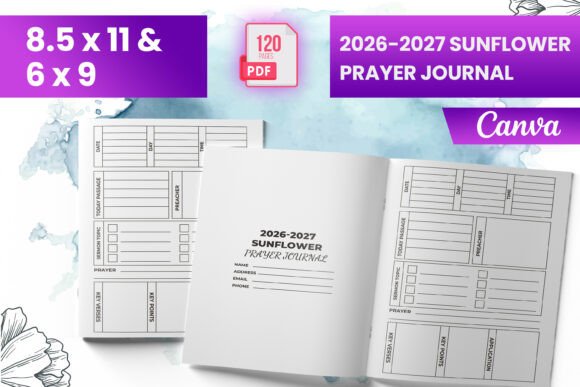
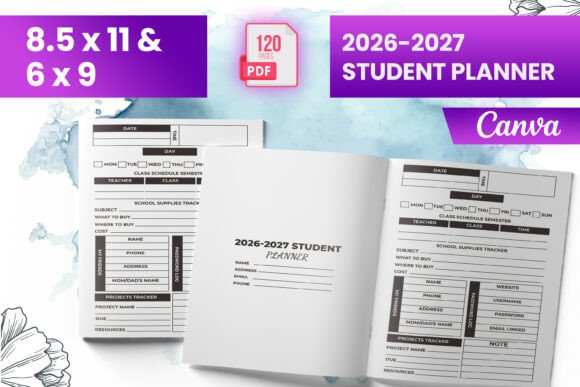
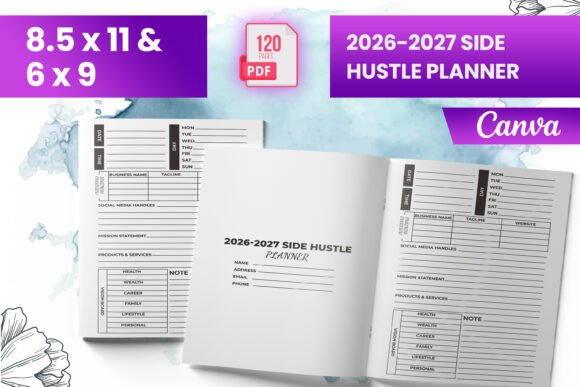
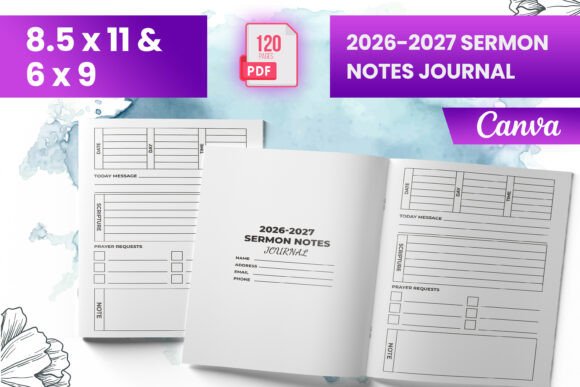
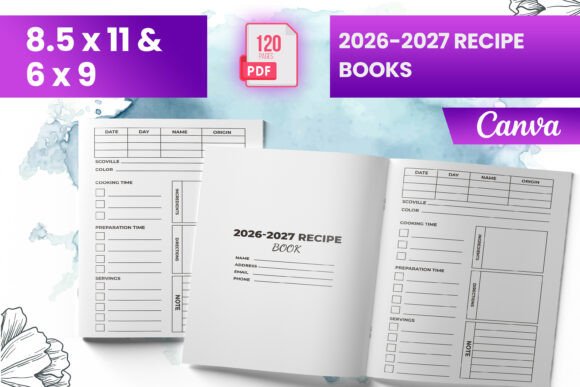
- A ready-to-upload PDF file—no tweaking required. Just open, add your recipes and photos, then upload directly to KDP.
- Multiple trim sizes: 6" x 9", 8.5" x 11", and 9" x 12" — so you can choose the best fit for your content style and audience expectations.
- 120 total pages, including a clean, welcoming intro page that sets the tone for your book before the first recipe begins.
- Full bleed support: All images and backgrounds extend to the edge of the page—essential for modern, magazine-style cookbooks that look great in print.
- PNG and JPG source files—giving you flexibility if you want to customize layouts later in Canva or other design tools.
Because it’s pre-tested on Amazon KDP, you avoid the guesswork around margins, font embedding, image resolution, and color profiles. That means fewer revision cycles, faster approvals, and less frustration when your goal is to publish—not troubleshoot.
Who Benefits Most?
Beginners love this interior because it removes the biggest barrier to entry: technical uncertainty. You don’t need to learn InDesign or hire a designer just to test whether your recipe concept resonates. A freelance food writer can drop in seasonal meal plans. A wellness coach might build a “30-Day Gut Health Cookbook” using the same structure. Even educators teaching nutrition or culinary arts can adapt it for student projects or community workshops.
For entrepreneurs, it’s a smart starting point for low-risk product testing. Launch one version with vegetarian meals, another with keto-friendly options—and use Amazon’s sales data to decide where to invest more deeply. Bloggers and Instagram creators often find this especially valuable: instead of linking to a free PDF buried in a newsletter, they offer a beautifully printed (and Kindle-compatible) companion that builds credibility and creates a new revenue stream.
Real-Life Use Cases
Consider Maya, a yoga instructor who shares weekly healthy recipes with her 12K Instagram followers. She used the 2026–2027 Recipe Books KDP interior to compile her top 80 plant-based breakfasts and lunches into a 6" x 9" paperback. She added her own photos, wrote short intros for each chapter, and uploaded the final PDF to KDP—all in one evening. Within three weeks, she’d earned back her initial investment and started planning her second title.
Then there’s David, a freelance graphic designer who helps local bakeries build brand assets. He bought the template not for himself—but as a reusable tool he now includes in his “launch package” for clients. It saves him hours per project and gives his clients a polished, shelf-ready product they can sell at farmers’ markets or on their websites.
How It Works With Canva (and Why That’s Helpful)
You’ll notice this interior is optimized for Canva—and that’s intentional. Canva’s intuitive drag-and-drop interface makes it easy to swap photos, adjust text blocks, or update fonts without breaking layout integrity. Since the included PNG and JPG files are high-resolution and properly sized, you can import them directly into Canva and layer your content over clean, consistent backgrounds.
No need to wrestle with alignment guides or pixel-perfect spacing. The grid is already set up. Margins are KDP-compliant. Even the intro page has subtle visual hierarchy—so your title stands out, your subtitle supports it, and your author note feels personal but professional.
Important Things to Keep in Mind
While the interior handles formatting, your content still needs care. Make sure all photos you add are high-resolution (at least 300 DPI), especially for print. If you’re sourcing images online, double-check licensing—Amazon may reject books containing unlicensed stock photos.
Also remember: this is the interior only. You’ll need to create your own cover separately (though many designers pair this interior with matching Canva cover templates for visual consistency). And while the PDF is ready to upload, always do a final proof using KDP’s online previewer—just to catch any typos or unexpected line breaks before approving your print version.
Lastly, think about your audience’s habits. A 120-page book works well for focused themes—like “Weeknight Dinners Under 30 Minutes” or “Gluten-Free Baking for Beginners.” But if you’re compiling hundreds of recipes, consider splitting them across volumes. Readers appreciate depth over density, and Amazon’s algorithm favors well-structured, highly rated niche titles.
Final Thoughts
The 2026–2027 Recipe Books KDP interior isn’t about cutting corners—it’s about working smarter. It respects your time, supports your voice, and meets industry standards so you can focus on what matters most: sharing food, building connection, and growing something meaningful. Whether you’re publishing your first book or your tenth, having a reliable, tested foundation changes the entire process—from overwhelming to energizing.
And because it’s built for both current KDP requirements and forward-looking design trends, you’re not just publishing for 2026—you’re setting yourself up for steady growth through 2027 and beyond.