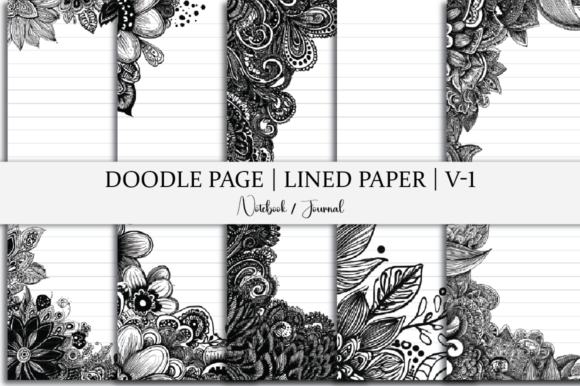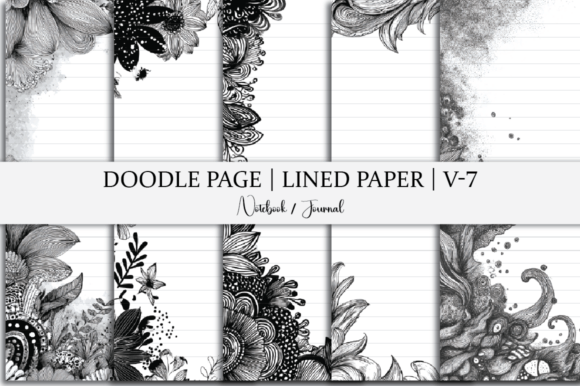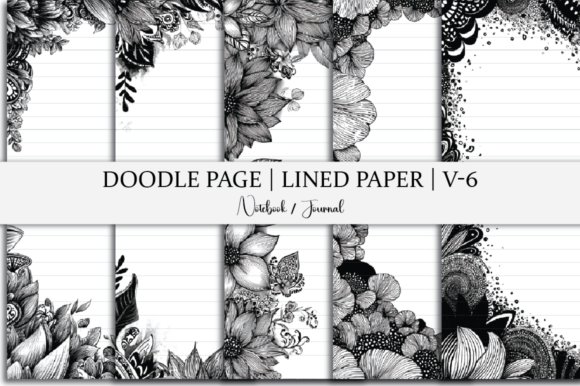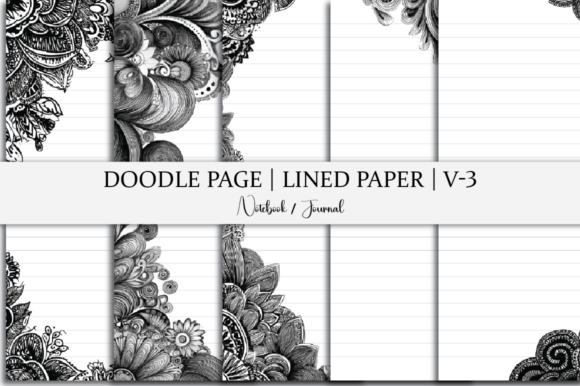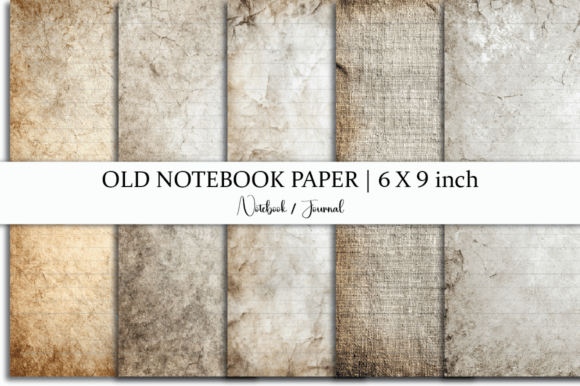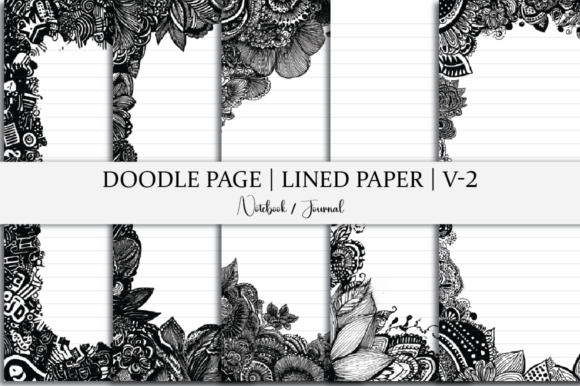
Lined Paper Doodle Page Journal
Imagine opening a notebook where structure and spontaneity coexist—not in tension, but in quiet collaboration. The Lined Paper Doodle Page Journal does exactly that: it gives you clean, functional 6 x 9 inch lined pages—ideal for writing, planning, or note-taking—while inviting hand-drawn doodles, sketches, icons, or visual markers right alongside your words. It’s not just stationery; it’s a flexible creative scaffold designed for people who think with both pen and pencil, logic and line.
This isn’t a physical product—it’s an instant digital toolkit. One ZIP file delivers five ready-to-use pages in JPG, PNG, SVG, PDF, and editable source format. No shipping. No waiting. Just immediate access to a low-friction way to blend writing and visual thinking.
Why this balance matters—for real work
Many of us default to either text-only tools (like plain Word docs or minimalist notebooks) or fully visual ones (like blank sketchbooks). But the most effective communication—and the clearest thinking—often lives in the middle. A meeting note becomes more memorable when you add a quick flowchart beside a bullet point. A lesson plan gains clarity when vocabulary is paired with tiny illustrated definitions. A client pitch feels grounded when data points sit next to simple hand-drawn graphs or timeline arrows.
The Lined Paper Doodle Page Journal supports that middle ground without demanding artistic skill. You don’t need to draw well—you just need to draw *meaningfully*. A star beside an idea. A bracket grouping related tasks. A small icon (a lightbulb, a clock, a checkmark) anchoring a priority. These marks take seconds—but they change how information lands and sticks.
Creative applications across roles
For educators: Print a page and use it as a student worksheet template—lined space for short-answer responses, margin room for labeling diagrams or sketching examples. Or adapt it into a “vocabulary journal” where students write definitions on the lines and draw representations in the doodle zones.
For freelancers and small business owners: Use the PDF version in digital note apps like GoodNotes or Notability. Annotate client briefs directly—typing key requirements on the lines, then sketching rough layout ideas or user flow arrows in the margins. Export clean versions for sharing, keeping your raw thinking private and visual.
For bloggers and content creators: Treat each page as a content sprint canvas. Write headlines and subheads on the lines; block out visual hooks—thumbnail concepts, icon sets, or social post layouts—in the open spaces. Because the files include SVG and source formats, you can pull individual doodle elements into Canva or Figma for polished graphics later.
For designers and marketers: Use the layered source file to customize line spacing, font, or doodle style—swap out a notebook-style border for a brand-aligned frame, or adjust the margin width to match your print-on-demand specs. The 6 x 9 inch size fits standard paperback trim, making it easy to compile into a custom planner or workbook.
Staying organized without sacrificing flexibility
Clarity starts with consistency—not rigidity. That’s why these pages use subtle, intentional design cues: gentle line spacing (not too tight, not too loose), balanced margins, and doodle-friendly white space that doesn’t compete with text. There’s no forced grid or distracting ornamentation—just room to move between modes of thinking.
To keep results effective and audience-friendly, try this simple rule: One purpose per page. Use one sheet for brainstorming (lines for ideas, doodles for connections), another for action planning (lines for steps, doodles for deadlines or owners), and a third for reflection (lines for insights, doodles for mood or emphasis). This prevents visual overload and makes scanning easier—whether you’re reviewing your own notes or preparing material for others.
Getting started—no setup required
You don’t need special software to begin. Open the PDF in any reader and annotate with a stylus or mouse. Print the JPG or PNG for analog use—laser or inkjet printers handle the crisp lines and clean contrast beautifully. Or import the SVG into Cricut Design Space or Silhouette Studio if you're cutting custom journal inserts or vinyl stickers.
Because all five pages are included in multiple formats, you can test approaches without commitment: try handwriting on one, typing on another, layering digital sketches on a third. The variety invites iteration—not perfection.
Realistic inspiration—not just “be creative”
Here’s what works in practice:
- A teacher prints three copies of one page, uses them for a 15-minute “sketch-and-explain” warm-up, asking students to define photosynthesis on the lines and draw its inputs/outputs in the margin—then shares standout visuals anonymously to spark discussion.
- A solopreneur uses the source file to add their logo and tagline to the footer, turning the journal into a branded client onboarding tool—lines for discovery questions, doodle space for mapping customer journey pain points.
- A UX writer imports the SVG into Figma, extracts the lined background as a reusable component, and layers it beneath wireframes—using the doodle zones to annotate microcopy options or tone shifts.
None of these require new habits—just slight expansions of existing ones. That’s where real adoption happens: not in grand overhauls, but in small, sustainable shifts in how you capture, clarify, and communicate.
Designed for people who value time, intention, and craft
This isn’t about adding more to your plate. It’s about reducing friction between intention and output. When your tools align with how your mind actually works—linear and associative, verbal and visual—you spend less time translating and more time doing.
The Lined Paper Doodle Page Journal respects that. It doesn’t assume you want to draw masterpieces. It assumes you want your notes to be useful tomorrow. It doesn’t ask you to choose between organization and expression—it hands you both, side by side, on the same page.
If you’ve ever highlighted a sentence and immediately sketched a symbol beside it… if you’ve ever written a to-do list and added arrows, boxes, or tiny illustrations to show priority or sequence… then this is built for that instinct. Not as decoration—but as function.
Download once. Use endlessly. Adapt freely. Keep what serves you. Let the rest stay quietly available—until the moment it’s exactly what you need.