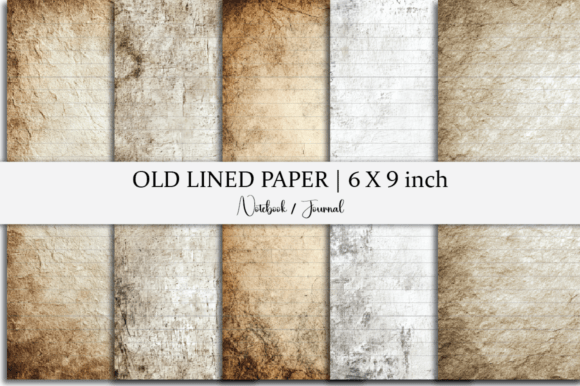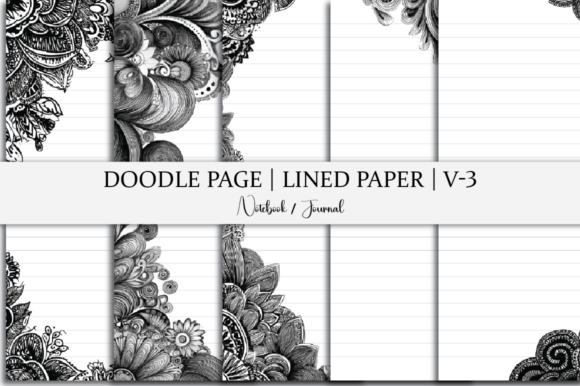
Lined Paper Doodle Page Notebook
You’ve probably stared at a blank page and felt both possibility and paralysis—especially when you need structure and freedom in the same space. That’s where the Lined Paper Doodle Page Notebook steps in: not just another printable, but a flexible, ready-to-use tool designed for people who write, sketch, plan, teach, pitch, or reflect—often all in one sitting.
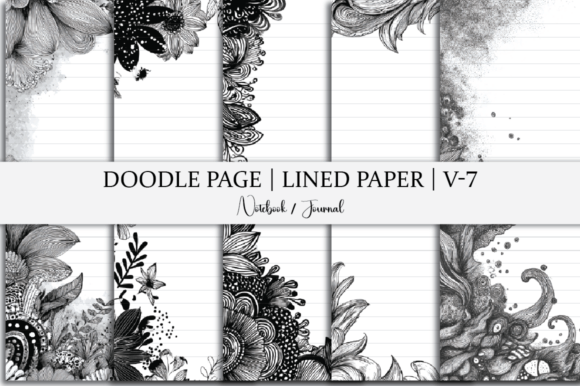
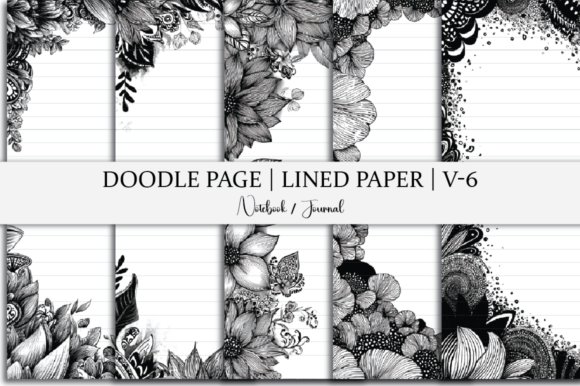
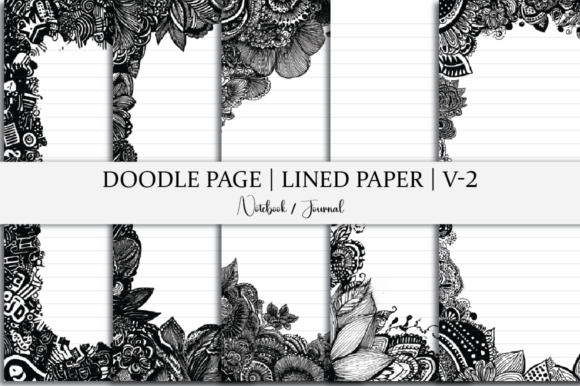
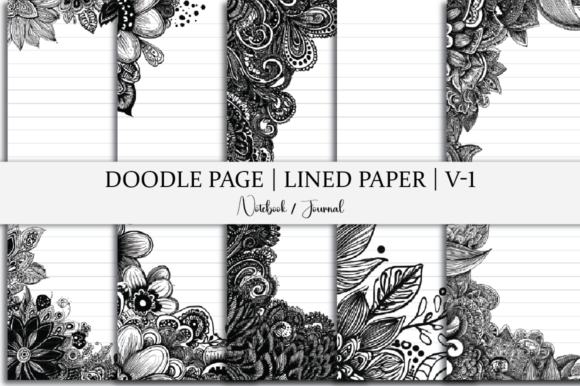
This isn’t a physical notebook shipped to your door. It’s an instant-download digital resource—a curated set of five 6 x 9 inch pages that blend lined paper with subtle, hand-drawn doodle elements: soft borders, light icons, gentle flourishes, and intentional white space. The files come in JPG, PNG, SVG, PDF, and editable source format—so whether you’re printing on home printer paper, importing into Canva or Notion, layering over slides, or prepping assets for client work, you’re covered.
Where it fits naturally—in real life, not just theory
Think about your last meeting where you jotted down action items while sketching a quick flowchart in the margin. Or the time you drafted a blog intro, then circled a phrase and sketched a tiny visual metaphor beside it. Or when you printed a journal page for your student to annotate a short story—lined for notes, open enough for marginalia and quick sketches.
That’s the sweet spot for the Lined Paper Doodle Page Notebook: moments where rigid templates feel stifling, but total blankness feels ungrounded. It works because it doesn’t force a system—it supports yours.
For educators and trainers
A middle school science teacher uses one page as a printable handout for lab reflections: students write observations on the lines, then draw a simple diagram of their experiment setup in the margins. No extra art supplies needed—just pen and paper. A corporate trainer prints two copies per participant—one for notes, one for sketching out process improvements during a workshop. The doodle elements aren’t distracting; they’re cues—subtle invitations to think visually without needing “art skills.”
For freelancers and small business owners
You’re drafting a client proposal and want to keep tone warm but professional. You open the PDF, type directly onto the lined area using Adobe Acrobat or Preview, and leave room beside each section for a small icon (a lightbulb for ideas, a calendar for timelines) drawn by hand—or even inserted digitally using the included SVGs. Later, you reuse the same page layout in a pitch deck slide, swapping the lined section for bullet points and keeping the doodle border for visual continuity.
Or you’re launching a new service and need a clean, branded worksheet for discovery calls. You drop the PNG into Canva, overlay your logo and brand colors, and export as a fillable PDF—no design hours spent from scratch.
For writers, bloggers, and content creators
You’re outlining a long-form article and realize linear bullet points aren’t cutting it—you need to map connections. One page becomes your “spiderweb draft”: key themes go on the lines, arrows and icons (from the SVG set) get added by hand or dragged in digitally. Another page serves as a “tone check” sheet: three paragraphs written in different voices (conversational, authoritative, playful), each under its own doodle-style header. You print, compare, circle what lands—and revise with confidence.
For students and lifelong learners
A college student taking hybrid classes prints one page per lecture: lined area for notes, top corner reserved for a quick sketch of the core concept (a gear for systems thinking, a tree for hierarchy). Later, reviewing becomes faster—not just rereading, but redrawing the sketch from memory. An adult learner studying UX design uses the SVG files to build custom wireframe worksheets: they paste the lined section into Figma, add interactive elements on top, and share the template with study group peers.
What to consider before downloading
This isn’t a full course, a subscription, or a plug-and-play app. It’s a focused, lightweight asset—so ask yourself: Do I actually print or annotate digitally? Do I benefit from visual texture without visual noise? If you mostly take notes in apps like Obsidian or GoodNotes and rarely print, the value shifts: you’ll lean more on the SVG and PDF layers for customization than the JPG/PNG for physical use. That’s fine—but know it upfront.
Also consider your workflow rhythm. If you thrive on consistency—same page format every week—the five-page set gives you variety without overload. But if you need dozens of layouts (monthly planners, habit trackers, mood logs), this isn’t meant to replace a full planner suite. It’s meant to fill the gaps those suites often miss: that moment between structured and spontaneous, between functional and expressive.
The 6 x 9 inch size is intentional—not too large to print on standard letter paper (with small margins), not so small it crowds writing. It’s the Goldilocks zone for journals, handouts, and desk references. And because the doodles are light and monochrome, they don’t interfere with readability or inkjet/laser printing—even on recycled paper.
How the file types shape real use
The JPG and PNG files are your go-to for quick printing or dragging into presentation decks. They’re crisp, consistent, and universally compatible.
The PDF is editable in most PDF tools—ideal for typing notes directly, adding checkboxes, or inserting hyperlinks for digital journaling.
The SVG unlocks flexibility: scale icons without pixelation, recolor doodles to match your brand, or isolate elements to build custom worksheets in design tools.
The source file (typically .ai or .psd, depending on the creator) matters if you tweak layouts regularly—say, adjusting line spacing for dyslexic readers or adding bilingual headers for classroom use. You don’t need pro software to benefit, but having it means control stays in your hands.
No subscriptions. No login walls. No waiting. Just download, choose a page, and start where you are—with pen, keyboard, tablet stylus, or presentation remote.
Why “doodle” isn’t just decoration
Those little sketches aren’t filler. Cognitive research shows visual cues improve recall, reduce cognitive load, and support idea generation—especially for people who process information non-linearly. But heavy illustrations can overwhelm. These doodles sit at the edge of perception: present enough to spark association, quiet enough to stay out of the way.
That balance makes the Lined Paper Doodle Page Notebook useful across contexts where tone matters—like a therapist printing a session reflection sheet with soft botanical accents, or a nonprofit staff person drafting grant language beside a subtle “bridge” icon. It signals care without calling attention to itself.
In a world of overdesigned templates and under-considered blanks, this is something quieter: practical, adaptable, human-scaled. It doesn’t solve everything—but for the right moment, with the right person, it helps the words land, the ideas connect, and the work begin.